“Lush Sensation provides independent reviews of adult toy brands. We hope you love the products we recommend.”
Last Updated on January 9, 2026 by Kelly
Want to cam? There are many sites where you can earn a little extra money (or a lot) if you know your stuff.
Chaturbate is one of the most well-known sites, with over 173 million users in the US alone!
While it’s a huge site, it’s also very competitive. If you’re not getting as many tips as you’d expect, you may think you’re not hot.
But in truth, you just need a little boost.
Enter connecting your Lovense toys to your Chaturbate account. Doing this can help you earn more tips.
Here’s how.
Contents
Why Connect Lovense Toys to Chaturbate?
As I said, Chaturbate is one of the most well-known camming sites. There are nearly 500 million visits in October 2025 alone.
So if you want to stand out, you need to offer your viewers something fresh.
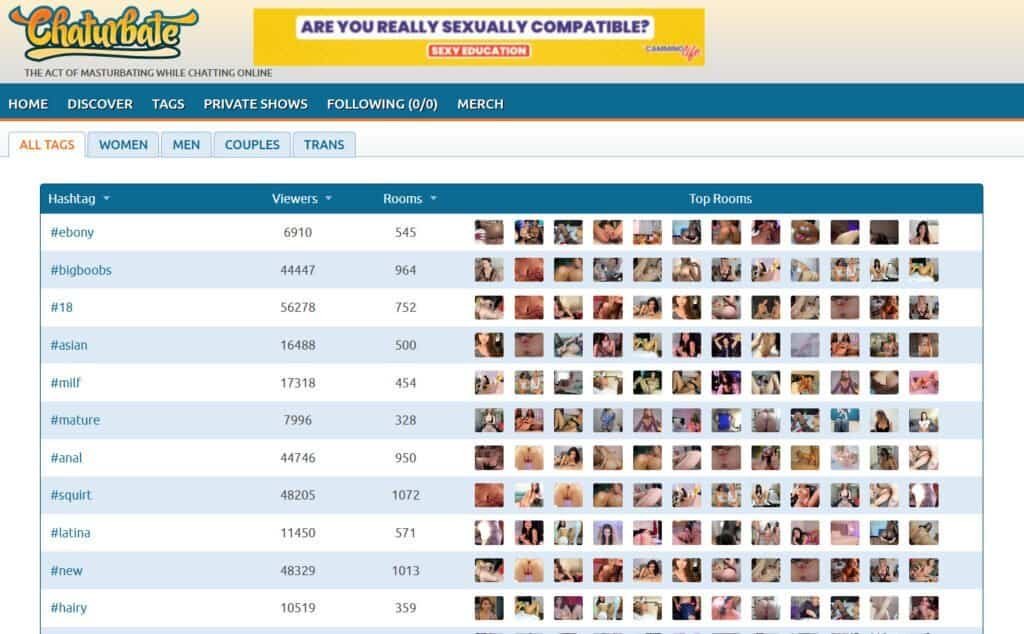
Connecting your Lovense toys to Chaturbate is an excellent way for you to do this.
This is because you can set up tip goals, which lets your users tip you to turn on your toys.
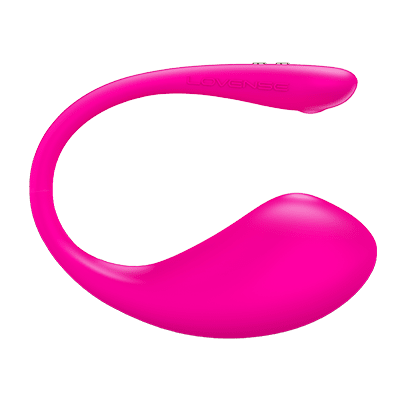
If you have any Lovense toys, connect them to your account ASAP. Best of all? It doesn’t require too much on your end.
Pre-Connection Checklist: Essential Setup Before You Start
Let’s explain how you can connect your toys to your Chaturbate account.
Create a Lovense Account
Duh! If you already have Lovense toys, chances are you have an account. If you don’t, here’s how.
First, go to Lovense.com. In the top right corner, you should see “Sign up.” Click that.
Enter your email, make a strong password, and click “Sign Up.” Then, check your email for a verification link. Log in, and there you go.
It’s an obvious no-brainer. You’ve created accounts before and done that song and dance. You’ve got this.
Connecting Lovense Toys to Chaturbate on Desktop: The Primary Method
Now, you need to figure out where your primary streaming device will be. If you’re a cammer, chances are it’s your desktop or laptop.

How can you stream using that? It depends on what you’re using.
Windows users will need a special adapter. Lovense has its own USB Bluetooth adapter on its site for $12 as of this writing.
Some articles from a couple of years ago have it as $5. Inflation hits fast! So before it goes to $25, I’d suggest you grab that USB now.
And yes, you should grab it even if your PC has Bluetooth built in, or if you have a separate computer.
It is possible to connect it, but many people have reported issues connecting to their PC’s native Bluetooth.
What about Mac users? It’s much easier to connect via the native Bluetooth, but there still may be issues. Therefore, I’d also recommend you use the Lovense USB Bluetooth Adapter.
Now that we’ve gotten that out of the way.
Step 1: Install the Lovense Cam Extension on Your Computer
The Lovense Cam Extension can easily be installed in the Chrome Browser. Or to a similar Browser such as Brave. You can find it on the Lovense site here.
It will be a zipped package. Those files that keep everything compressed and the like? WinRAR, 7-Zip, or a native unpacker you have on your PC will all work well.
Once you’ve unzipped it, you should see a folder called “lovense_cam_3098.” The numbers may differ depending on which version you downloaded.
That is your friend. Go to Chrome. Click those three dots in the upper right corner. You should see Extensions, then Manage Extensions.
Afterward, you’ll see a slider telling you to Enable Developer Mode. Make sure it’s turned on. It’ll be blue when it does.
Select “Load unpacked” (how lewd) and choose the mentioned folder. It’s now installed. You can then turn off Developer Mode and pin the extension to make it easier to grab.
Oh, and while many prefer the extension, Lovense encourages you to download their Stream Master tool. As of 2023, they haven’t updated their browser.
While the browser is still easy to use, it may be obsolete in a year or two. I may do an article about the Stream Master in the future.
Step 2: Pair Your Lovense Toys With the Connect App
Now that you’ve done this, you need to pair your toys using the Connect app via your mobile device.
The Connect app is not to be confused with the Remote app, which is more for personal use and not streaming.
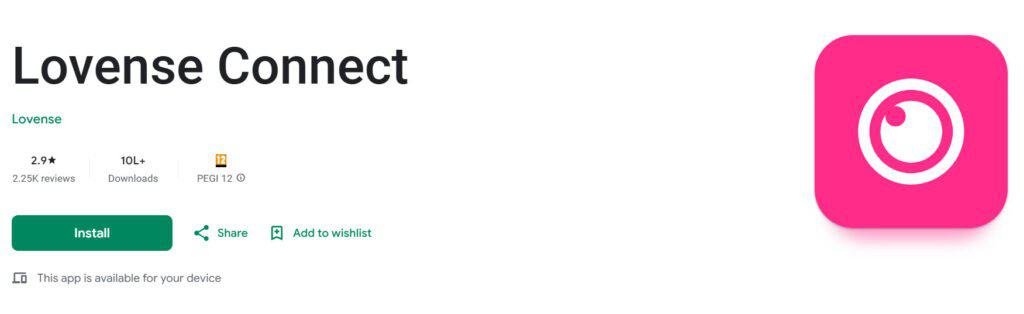
The app is available for both Android and iPhone users. Download the app, turn on your phone’s Bluetooth, and ensure your toy is in pairing mode.
Read my full guide on the lovense connect app here.
To do this, hold down the device’s Power button until it vibrates and lights up.
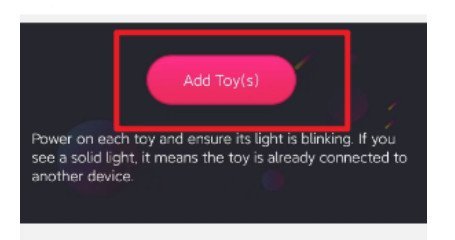
You should then go to the “Toys” tab, then “Add Toys.” If you did it right, you should see the toy of your choice available to connect.
You’ll know it’s connected when it makes a happy little buzz. If it doesn’t, bring the toys closer together and restart both devices if needed.
Oh, and charging both the phone and the toy can help.
Step 3: Linking the Connect App With the Browser Extensions
Now, let’s combine the best of both worlds. Log in to your browser extension using your Lovense account.
Go to Settings and choose “Connect By Mobile.” You should see a QR code pop up. At least it’s not a restaurant menu!
Then open the Connect app. Go to Account, then choose “Scan the QR code.” Scan via your phone. Be sure to scan in decent lighting and that your phone’s camera lens is clean.
If the scan is correct, you should be ready to go! You’ll know when you see the Cam extension in the Connect app, and the toy is displayed there.
Step 4: Connect the Cam Extension to Chaturbate
In the Cam extension, visit the bottom of the screen and tap “Add a New Cam Site.” A drop-down menu will appear, and, spoilers, Chaturbate will be on there.
You can choose “Use Lovense Recommended Settings.”
It works for most folk. But you can also play around with the settings if you want a more customized experience.
(Optional) Integrating with OBS for Advanced Streaming
For most folk, the above method will be enough. But if you’re an advanced streamer who wants to do things in your own way, good news! You can integrate Lovense to OBS.
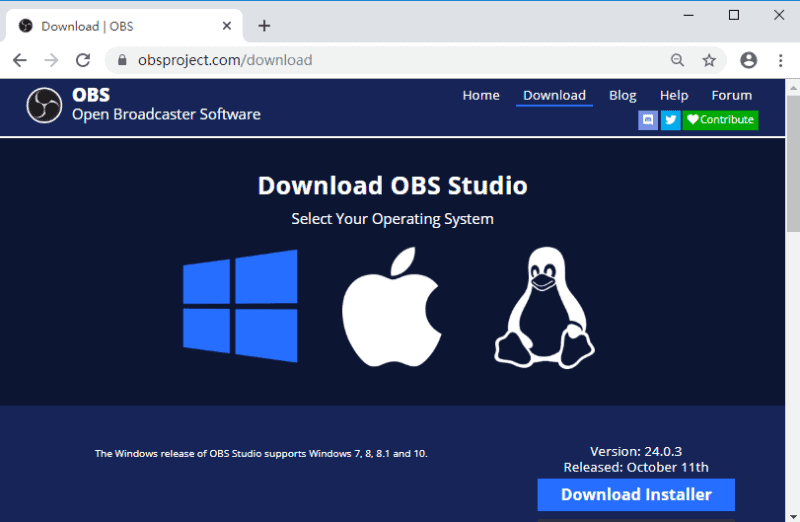
Lovense has an OBS Toolset extension you can download and use.
I have written an article about how to use Lovense with OBS, which you can read here.
All you need to know is that you need version 22 or higher of OBS to use the Toolset extension.
Connecting Lovense Toys on Mobile: Streaming on the Go
Yes, you can stream on the go. Forgot to bring your laptop? No worries! It’s possible to stream via your mobile device.
Step 1: Install the Lovense Connect App on Your Smartphone (iPhone/Android)
Simple enough. I already discussed this in the desktop section, so see that if you want the full skinny. Just do this on your mobile.
Step 2: Connect your sex toys to the app via Bluetooth
Again, ensure your phone’s Bluetooth is turned on, and your toy is in pairing mode. Click “Add Toys,” and connect!
Step 3: Accessing Chaturbate on Your Mobile Browser or App
Okay, this is a little trickier, as the site was intended for Desktop users. But there are some ways around it.
Some users have been able to go to Desktop Mode on their mobile browser and click the “Broadcast Yourself” button to stream. However, it may not work.
The best solution is to use third-party apps.
One example is the Stream Browser app, which lets you stream from your mobile device to desktop sites. Try it, and report the results!
Making Money Streaming on Chaturbate with Lovenese Toys
Again, Lovense toys can make you money. They’re expensive, but the tips you get will pay for them, and then some!
But you need to be smart about it! Here’s what you should do.
Setting Up Tip-Controlled Vibrations

The concept is simple. The more people tip, the stronger the vibes will be. On the Lovense Browser extension, click “Chaturbate” on the list of sites.
There, you should see a section called “Rules” along with Basic Levels. This is where your tip-based vibrations are.
Add up to 15 levels with the “Add Level” button.
Creating an Engaging Tip Menu for Your Profile

Each level gives you quite a bit to choose from.
You can select what toy the tip activates, how many tokens the tip should be, how long the toy will vibrate (Reaction Time), and the vibration level.
Give the levels a fun name that corresponds to your brand. With each level, know your worth, but make them accessible to your viewers.
This may require you to play around with different amounts to find that right balance!
Managing Vibration Levels and Intensity for Viewer Satisfaction
Choose from four vibe levels. Smaller tips may activate the Low level, while a big tip (heh) will activate ultra-high.
Rank these based on your own limits. You should start with medium if the lower levels do nothing for you.
On the other hand, medium may be the most intense you can handle, and you may charge people big bucks if they want higher levels.
Afterward, click “Save” and send a test tip to make sure it works.
Troubleshooting Common Connection Issues
Most of the time, you should connect without a problem. But chances are, there will be occasionall connection issues sometimes. It’s life.
Here’s how to troubleshoot common issues.
Lovense Connect App Not Detecting Toys
Check that your toys are fully charged and that you have a strong, stable connection. Be sure your toys are within range as well.
Also, be sure your toys are turned on! Sometimes, it’s hard to tell. If all else fails, turn it off and on again! A cliche method, but it works!
Intermittent Connection or Lag During Broadcast
Again, be sure your connection is strong. Even if you have fast Internet, I’d recommend connecting your desktop or laptop to an Ethernet cable.
A laptop may require an adaptor, as many newer models don’t have one built in. However, most Wi-Fi connections are strong enough.
If yours isn’t, you may need to move closer to your router or move it. If that’s not possible, look into Wi-Fi extenders.
Lovense Toy Not Vibrating or Responding to Tips
Be sure the correct toy is connected to the Lovense Connect app, and that your tips are saved.
Also, ensure the tips are on Chaturbate and not another cam site. Re-save your tips and send a test tip to make sure everything is good to go.
Mobile Device Issues
Once again, be sure your Wi-Fi and Bluetooth are turned on, and that it’s fully charged. You may need to reinstall the app or reset your phone.
Also, turn off Power Saving mode if it’s on. This mode can cause issues.
Where to Find Further Support
Finally, if you’re still having issues, it may be with Lovense or Chaturbate itself. I’d recommend contacting both.
Explain your issue with as much detail as possible, and wait for a response. In the meantime, online communities can help. Think the CamGirlProblems subreddit, or any adult forum.
Good luck!
Also Read: T