“Lush Sensation provides independent reviews of adult toy brands. We hope you love the products we recommend.”
Last Updated on January 9, 2026 by Kelly
Many who do camming try to stream on all kinds of sites. MyFreeCams is an excellent option if you’re looking to expand your online presence.
This site boasts a robust 70 million users a month, with many paying for premium subscriptions.

You have to stand out, however, because the competition can be fierce. One way to do so is by using toys.
Lovense toys connected to your account help give the edge you need. In this post, you’ll learn how to connect Lovense toys to MyFreeCams to provide the best interactive experience.
Contents
Why Interactive Toys Are a Game-Changer for Cam Models
If you want to succeed in cam modeling, get in line! You have many competitors, each offering a gimmick.
One gimmick that can blend well into any other niche you offer is the interactive toy.
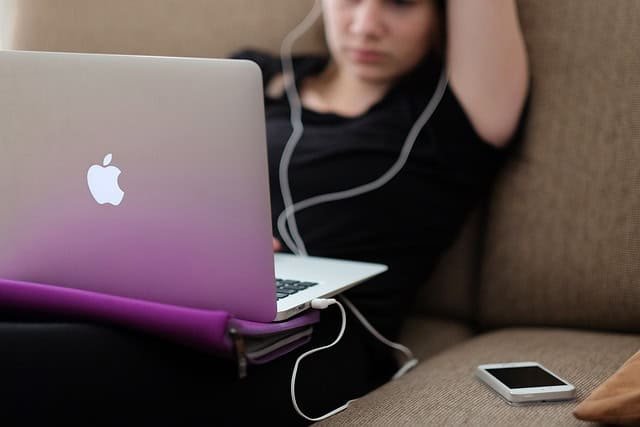
These toys let your fans give tips that activate the toy according to certain speeds and intensities.
Remember, your viewers aren’t just looking to get off; they also want to interact with you.
Essential Prerequisites Before You Connect
Your Lovense Toy and a Full Charge
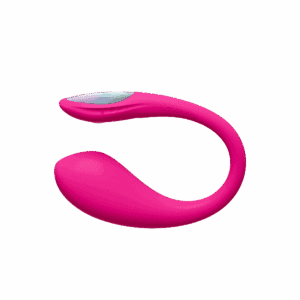
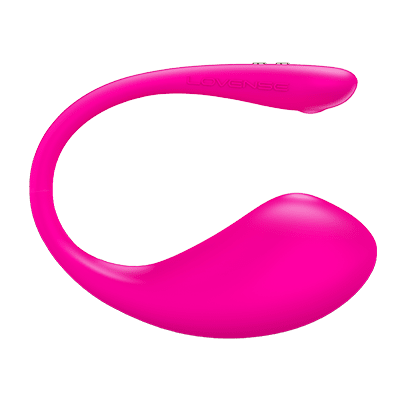
Duh! You need a Lovense Bluetooth toy of your choice. Once you’ve gotten that in the mail, charge it up!
These toys usually come in the box halfway charged, so for the best experience, fully charge them, and your mobile device, too.
An Active MyFreeCams (MFC) Cam Model Account
If you haven’t already, apply to be a model at MyFreeCams.
You’ll need to enter your information, verify your ID, and have an approved payment method.
You know, standard stuff. It may take a few days, so apply after you order your toy.
A Reliable Computer (Windows/Mac OS) or Smartphone (iPhone/Android)

Ideally, you should have an up-to-date Windows 11 PC and the latest MacOS update.
Or, a relatively recent phone that has been updated.
You don’t need a super gaming PC or anything, but it should be powerful enough to handle streaming and several windows without lagging!
Stable Internet Connection and Bluetooth Capabilities
You should have broadband internet that has at least 100 Mbps download and 20 Mbps upload speeds.
Ideally, your PC should be by your Wi-Fi router, or better yet, be connected via Ethernet. Your PC should have Bluetooth built-in, or a Bluetooth dongle.
Lovense’s dongle is ideal!
Method 1: Connecting Lovense Toys to MyFreeCams via Desktop (Recommended for Stability)
Step 1: Install the Lovense Connect App on Your Computer
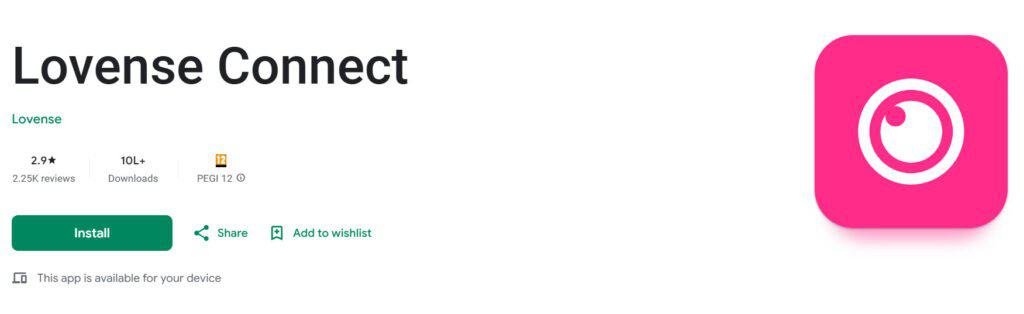
Lovense has all the apps you need on its site to get you started.
Download the Lovense Connect app, install it, and allow any permissions that pop up for the best performance.
Also, be sure that the app is the latest version.
Step 2: Install the Lovense Browser Extension for Chrome
Lovense also has a browser extension that you can connect to Chrome, Edge, or a similar browser.
However, it does require a bit of work for you to use.
When you download the app, it will come as a ZIP file on your PC. Unzip it using 7-Zip, WinRAR, or a similar application.
In Chrome, click the three-dot icon in the top right, then go to More tools > Extensions. Or, copy/paste “chrome://extensions” into the URL bar and press Enter. (No quotation marks, obviously!)
Then, enable “Developer mode,” click “Load unpacked,” and select the unzipped folder containing the extension. It should be installed!
For best results, pin it.
Step 3: Pair Your Lovense Toy with the Lovense Connect App
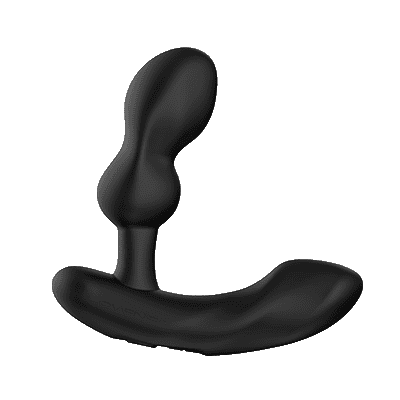
Open the Lovense Connect app, log in, and press the “Add toy” icon, which is represented by the plus icon.
Be sure your toy is turned on and in pairing mode. You should see it on the Connect app. Click it, and the toy should pair.
Also Read: How to Use the Lovense Connect App Properly
Step 4: Sync Lovense Connect To Browser Extension
Now, bring both together! Open the Lovense Browser, and under Settings, choose to connect via mobile.
Then, a QR code should appear. Scan the code with your mobile device.
For best results, be sure your camera lens is clean, and all devices are connected via Wi-Fi.
Step 5: Link the Lovense Browser Extension to MyFreeCams
To do this, you need to open your Lovense Browser and visit the Cam Extension screen.
There should be an option to “Add A New Cam Site.” Select, you guessed it, MyFreeCams.
You have now done the hard part.
Step 6: Verify Connectivity and Prepare for Your Live Stream
Finally, you need to use your MFC login credentials, and then verify that you’re good to go.
You can choose to stream based on recommended settings or to choose your own.
I always recommend testing within the recommended boundaries, then play around with the settings later.
Method 2: Connecting Lovense Toys to MyFreeCams via Mobile (Smartphone)
Step 1: Download the Lovense Connect App on Your Smartphone
Pretty straightforward! If you have an Android or iPhone, just visit their respective stores and find the Lovense Connect app.
This is not to be confused with the Remote app, which is meant for private use.
Step 2: Pair Your Lovense Toy with the Mobile App
Open the Connect app, and click the Add Toys icon, represented by the Plus icon.
Be sure that your toy is in pairing mode. Hold down the power button until it vibrates and has a blinking light.
Step 3: Access MyFreeCams via Your Mobile Browser
Log in to MyFreeCams with the mobile browser of your choice. They should have an option for mobile streaming.
Going to Desktop Mode may make it more accessible.
Step 4: Authorize the Lovense Connection on Mobile
Once you’ve set up your stream, go to your settings and ensure you’re connected to Lovense, and authorize any messages asking you to connect.
Note: I haven’t fully tested this method out yet. Mobile streaming on adult sites tends to be very unreliable, as they are 15 years behind other streaming platforms.
If you can’t get it to work, I’d highly recommend just streaming via computer, and purchase a laptop if you want a more portable option.
Maximizing Interaction: Using Lovense Toys on MyFreeCams for Engaging Shows
The best way to get fans is to make a show to remember. Let’s look at how you can do so.
Viewer Control: How Tokens Drive the Interactive Experience
MFC, like many sites, uses a token system. Users pay for tokens, pay you with them, and you can convert them to real cash.
Having a system where the show gets crazier the more tokens are donated is always ideal to get more donations.
Customizing Vibration Levels and Patterns within the Lovense App/Extension
Once you have added MFC, you can choose to configure some settings, including Basic Levels for tips.
Here, choose tip goals based on toy, vibration level, and duration.
The best approach is that lower donations = weaker and shorter vibrations, and vice versa. Play with different amounts based on your worth!
Troubleshooting Common Lovense-MFC Connection Issues
“Lovense Not Connecting” or “Toy Not Found”
Usually, this is due to Bluetooth issues. Be sure all devices are turned on and fully charged.
Ensure Bluetooth is toggled on and your toy is near your phone or computer. Resetting your toy, computer, or unplugging/plugging your adapter may also fix the issue.
Browser Extension Not Recognizing MyFreeCams
Be sure that Lovense is enabled in your MFC settings, and clear your browser cache and cookies.
Bluetooth Connectivity Problems (Computer & Mobile)
Restart all relevant devices, ensure they are near each other, and be sure that there’s no conflicting Bluetooth device.
Software Conflicts: Windows Defender and Antivirus Settings
You may need to allow the Lovense apps and extensions in your firewall and Windows Defender/similar application.
Lovense Support
Finally, should all else fail, I’d recommend contacting Lovense! Their customer support is decent, and chances are, you can get the problem resolved in no time!`
Also Read:
How to Connect Your Lovense Toys to Chaturbate
How to Use Lovense OBS Toolset
,