“Lush Sensation provides independent reviews of adult toy brands. We hope you love the products we recommend.”
Last Updated on August 5, 2026 by Kelly
Bongacams. At first glance, my brain thought it said “BongoCams,” and thought it was a site where people are streaming themselves playing bongos in a drum circle.
But nope. It’s an adult camming website, and since this site is all about that lifestyle, I’m here to review it.
Though someone should make BongoCams a thing.
So, what is BongaCams? How does it stand out among the many adult streaming sites? Let’s find out.
What is BongaCams all About?
The year was 2012. Everyone was dancing to Gangnam Style, and US politics still made a little bit of sense.
People thought the world was ending because of a calendar, and a little site called BongaCams was formed.
In the next decade and a half, BongaCams has become one of the biggest platforms and the 37th most visited website in the world as of 2021.
If you haven’t heard of them, it may be because you’re based in the USA. BongaCams has more of an international focus, especially in Europe.
This doesn’t mean you can’t get down and dirty if you’re American, though.
With over 3,000 models to choose from, you’re bound to find someone worth following, or maybe you want to take your shot at being the next top model.
How Do You Connect Your Lovense Toy to BongaCam?
Like most adult streaming websites, BongaCams supports Lovense toys. You make tip goals, your toy buzzes, your audience is happy, and you’re happy as well.
Not just because the toy is hitting the right spots, but because you’re a little richer. Here’s what you need to get started.
- A BongaCams account. Duh. Depending on where you live, you may need to verify your age just to visit the site, so keep that in mind.
- A supported Lovense toy. Most modern Lovense toys will be supported, but some older ones may not.
- The Lovense Connect app is installed. This app lets you connect your toys to your favorite camming sites. It’s available on Android or iOS.
- The browser extension is installed. The Lovense Extension will make it even easier to connect to your favorite websites.
- Bluetooth enabled. You can use your PC’s built-in Bluetooth, if applicable, or a Bluetooth dongle. Lovense has its own Bluetooth dongle designed to make connecting to cam sites even easier.
- Stable internet connection. You’ll ideally want to have your PC connected to Ethernet or have it near a strong Wi-Fi signal. You’ll also want to have broadband speeds, which are a minimum of 100 MBPS download and 20 MBPS upload. Ideally, you’ll want double that.
Now, let’s go step by step.
Step 1: Install the Lovense Connect App
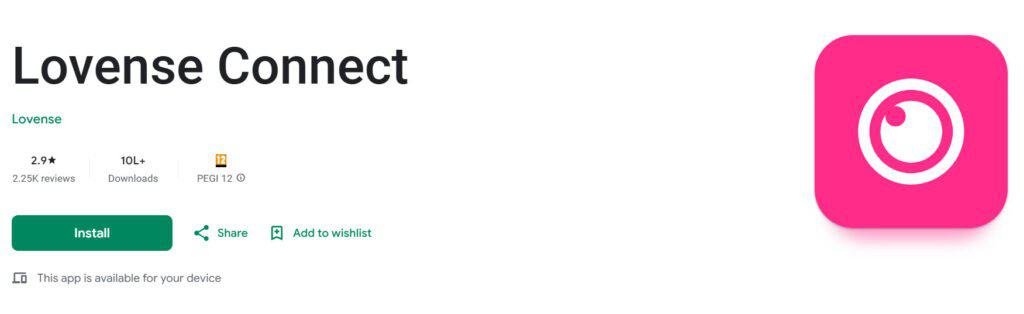
First, you need to download the Lovense Connect app. Android has it on its Play Store, and Apple on iOS.
You can also go to Lovense’s website and download it there. Sometimes, the site has the most up-to-date version, giving you important security measures that are important in the world of adult sites.
Also Read: How to Use Lovense Connect App
Step 2: Connect Your Lovense Toy to the Connect App
Choose your favorite toy from the box to start with, or the toy that will get the most eyes on your streams.
Or, do multiple toys! Make sure that the toy(s) are clean and well-charged, then open the Connect app.
As you do so, turn on your Lovense toy. In most cases, the toy is turned on by holding the power button for three seconds.
The light should blink red, and the toy will let out a small vibration. This action shows the toy is in pairing mode.
Now, go back to the Connect app and select “Add Toy(s).” The app will then look for any toys in pairing mode.
Once found, select the toy; then it will be connected. You can then make adjustments, such as tip goals, but that is a different article for a different day.
Step 3: Set Up and Connect to the Browser Extension
Now, it’s time to get an extension. Of the cam variety, that is. The Lovense Cam Extension will make connecting to your favorite cam sites a breeze.
It’s available on Lovense, and it comes as a .zip file. You can download it using WinRAR for free (even when the trial expires, it’s still free!) or just use your PC’s built-in unzipper.
Now, you’ll want to locate a folder named “lovense_cam_3098.” I swear I’m not trying to put a virus on your computer.
Then, open a browser. Chrome is the best choice, but it can work on other browsers that support extensions, like Brave.
On Chrome, click the three dots in the upper right corner, then go to Extensions > Manage Extensions.
Enable Developer Mode, then select “Load unpacked” and choose the aforementioned 3098 folder. This will install the extension. Afterward, you can turn off Developer Mode.
Then, open the Extension. You can pin it for easier access. Once opened, you just log in to your Lovense account, choose Settings, then Connect by PC.
Your Extension will then sync to the Connect app, as long as there is a Bluetooth connection. The Extension will then add any toys you have connected.
Step 4: Connect the Lovense Cam Extension to BongaCams
Now, it’s time to connect! Go to the Cam Extension and choose “Add a New Cam Site,” which should be at the bottom.
It will give you a dropdown list with BongaCams already available to choose from. You can then choose your settings.
For the sake of simplicity, I always select “Use Lovense Recommended Settings,” then adjust from there.
Afterward, select “Stream,” then log in with your BongaCams information.
Also Read: What Are The Best Interactive Porn Sites For Lovense Sex Toys
Step 5: How to Test if Your Lovense Connection Is Working
After completing all the steps above, you need to check if the connection is working properly.
How to see if BongaCams detects the toy: The best way to see if BongaCams will detect the toy is to try a test vibration in the Lovense Connect App.
Test vibrations: You can go to the Connect App or Extension and control your toy’s vibrations from there.
Confirm tip activation: The Lovense Connect app allows you to send a test tip with each tip goal, sending a fake amount of money to confirm whether the tip goal is working or not.
Verify browser extension status: Make sure the Extension is installed and has your toys in it.
See Also: Lovense Connection Issues – 9 Common Problems
Which Lovense Toys Work Best With BongaCams?
It depends on what your fetish is and what your audience wants. Generally, the Lovense toys that have deeper features will be a bigger hit.
And any toy that has an LED tail light can give some great incentives for your fans to donate.
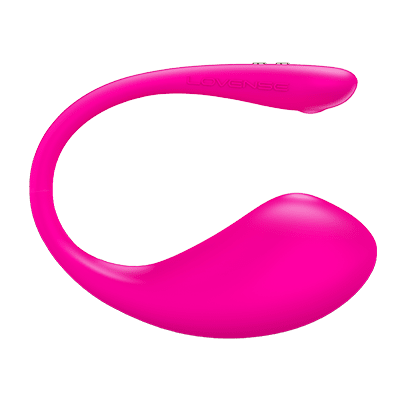
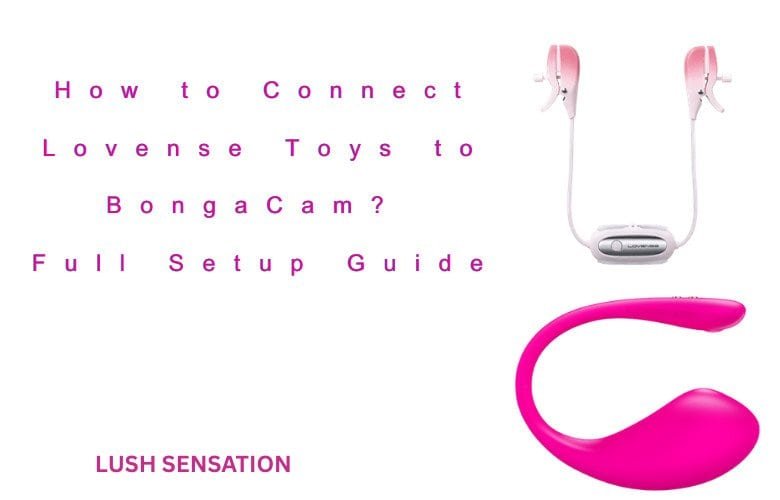
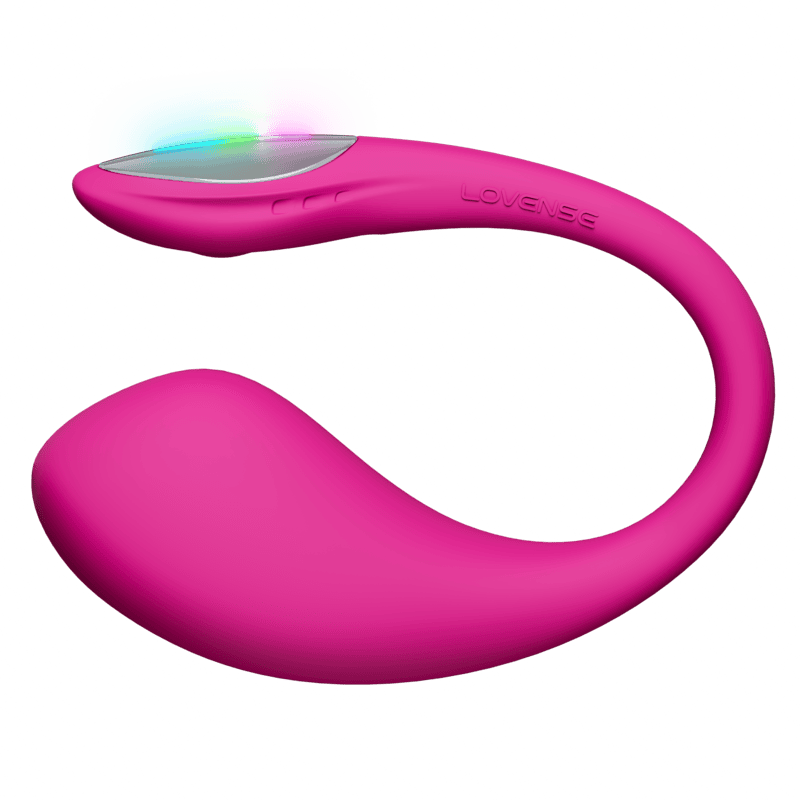
Because of those factors, I think the Lush 4 is a great place to start, assuming you have a vagina.
The toy has powerful vibrations, making it tempting for your fans to donate to reach the strongest vibrations possible. It also has an LED light, which will shine in different colors.
Another reason the Lush 4 is great is its super-fast charging. In 5 minutes, you can get up to 1 hour of playtime.
Maybe you have had a super long stream, and the toy finally died.
Or maybe you messed up and forgot to charge before streaming (it happens). All you need to do is show an intermission screen for 5 seconds, and you should be good to go for a while.
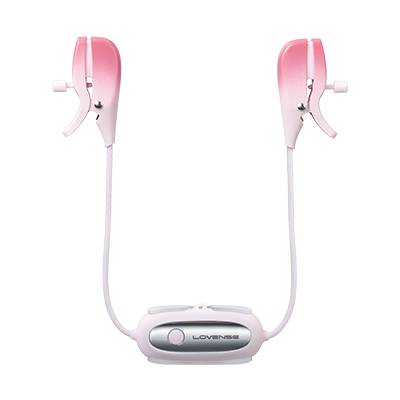
Another great toy is the Gemini, especially if you don’t have a multi-cam setup and can only go chest-high.
The Gemini is a pair of vibrating nipple clamps, which work well for a webcam setup of this caliber.
Troubleshooting Connecting to BongoCams
Most of the time, you should have no problems connecting to BongoCams as long as you follow the instructions.
If it doesn’t connect, double-check the instructions. If it still doesn’t work, it may be something else.
Turn everything back on and off again, including the apps, PC, or even the modem. Make sure you have a strong, fast, reliable connection.
Ensure Bluetooth is turned on and there is no interference. If you’re still having issues, it may also be that your firmware is out of date.
Make sure that the Connect and Extension are up-to-date, or at least fairly close to the current version.
Another common faux pas is not charging your toys. If the battery life is too low, the toy may not connect properly. I always give them a good charge before the stream. Plus, it keeps the battery life going strong!
A way to connect as well is through a QR code. Go to the Cam Extension and select Toy Status.
There will be a “Connect by Mobile” option, which will create a QR code. Scan it via the Accounts > Scan the QR Code on Lovense Connect.
Finally, if you’re still having issues, I would highly recommend you contact Lovense’s customer support.
I find that they are great at their job and are able to answer most of your burning questions. You can also go to BongaCams themselves if you feel it’s an issue on their end.
Also Read:
How To Connect Lovense Toys to a Mac
How to Connect Lovense Toys to Chaturbate
How to Connect Lovense Toys to Stripchat: Setup Guide