
“Lush Sensation provides independent reviews of adult toy brands. We hope you love the products we recommend.”
Last Updated on August 5, 2026 by Kelly
In the past few years, Stripchat has become one of the GOATs in porn livestreaming sites. If you’re in the sex work biz, Stripchat may make it rain!
However, the sex work industry is competitive. One way to stand out is to purchase a Lovense toy. These Bluetooth-powered toys are tip-activated, giving your fans an incentive to send donos.
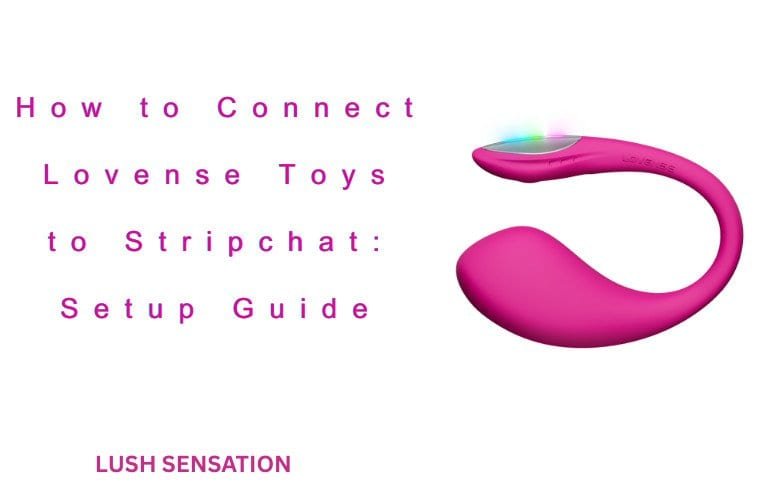
But how can you connect Lovense to your Stripchat account? This post will help you get things going!
What You Need Before Connecting
Before you make it rain, you need to set up the ingredients for a perfect storm. Make sure you have the following:
Stripchat Account
Duh! Visit https://stripchat.com/signup/model and sign up. Signing up is straightforward, but since it’s a porn site, you gotta show that you’re an adult.
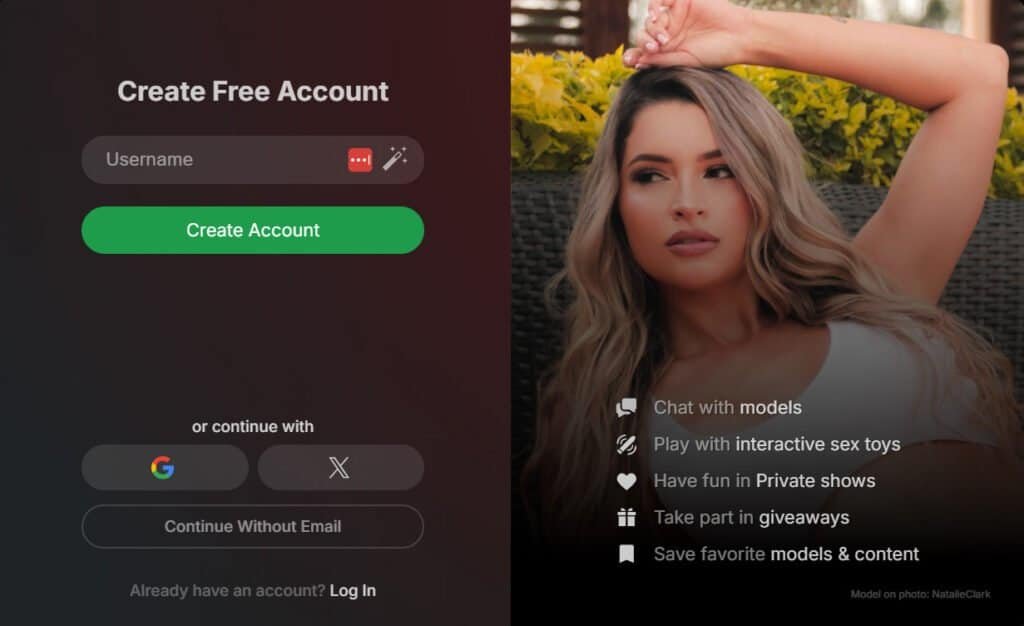
Ideally, you should have a non-expired ID or passport. Take a clear photo in a decently lit room, and the verification process should be straightforward.
After that, create a memorable name for yourself, give yourself a detailed bio, and connect your payment processor. This way, when your fans tip, you can get that money ASAP.
Also Read: How to Connect Lovense Toys to Cam Model Websites
Lovense Toy
Most modern Lovense toys should work with Stripchat. If you want a good starter, I recommend the Lush 4 if you have a vagina, and the Gush if you have a penis.
These toys can be a bit pricey, but hear me out. From tip-activated vibrations to music-synced vibrations, they’re worth every cent.
That said, I would recommend you order your toy from Lovense’s official site and not third-party sellers. Doing this will ensure you get the highest quality experience.
Lovense Connect App
Make sure you download the Lovense Connect app. This app lets you connect your Lovense account to adult sites.
Lovense Connect is not to be confused with Lovense Remote, which is designed for private fun!
You’ll probably need the Cam Extension as well. Here are some handy links to help you!
- Chrome: https://www.lovense.com/cam-model/guides/add-extension-manually-chrome
- Firefox: https://www.lovense.com/cam-model/guides/add-extension-manually-firefox
- Lovense Connect for mobile: https://www.lovense.com/cam-model/guides/pc-phone
- Lovense Connect for PC: https://www.lovense.com/cam-model/guides/pc-dongle
Stable Internet

You need broadband internet with at least 25mbps of upload speed if you want to stream in 4K.
Ideally, you’ll want a little more to ensure there are no interruptions. But it’s not just about speed; it’s about the connection.
Be sure your streaming device has a stable connection. Ideally, Ethernet cables are the best bet.
However, if you have to use WiFi, be sure you are near your router without any obstacles obstructing the way.
Browser Permissions
Finally, be sure that all permissions are enabled on your browser.
For example, if you’re a Chrome user, you’d visit Stripchat, click the lock or tune icon next to the address, select Site settings, and change the permissions.
How Does Lovense Work on Stripchat?
When you connect your Lovense toy, there will be an interactive toy menu that manages everything.
Click the joystick icon in your chat, and you will see what toys are active and how they’re controlled.
The toy menu is also how your viewers will need to send tokens to activate your toys. If they send tips via the chat menu, the activations won’t work.
Connecting is as easy as 1, 2, 3!
Step 1: Activate Your Broadcast Page
How you do this depends on your device.
Desktop Setup

If you’re streaming from your computer, make sure you download the Lovense Cam Extension. This browser extension will connect your Lovense app to your PC. And check this article for Mac.
In the Extension, you should see settings for different sites, including Stripchat.
Open that, and click the Rules tab. See the option that says Special Commands? Turn it on!
Then, under Interaction & Apps, make sure Give Control is enabled.
After that, you can set up the cost for tips, including the intensity and duration.
Mobile Setup

]With this one, you want to go to Broadcast Center > My Show Controls > Interactive Toy Settings > Special Commands > Give Control.
There, you can set the tip amount and duration. Same old song and lewd dance.
Step 2: Connect the Lovense Toy to the App
Now, connect the Lovense toy to the Connect App. On the Connect App, you should see an Add Toy option, or a plus symbol, and from there, you can find the toy.
Be sure it’s in pairing mode. Hold down the toy’s power button for a few seconds to turn it on, which should activate pairing mode.
Also, make sure your phone’s Bluetooth is turned on and is near the toy.
Step 3: Set Up Your Tip Levels and Other Settings

The Lovense Browser Extension will show you what toys are connected under which sites, along with the tip amount.
In Stripchat, the amount will be in Stripchat tokens, which are 5 cents USD per token.
So know your value! Obviously, more intense settings should cost more.
However, if you’re new to the scene, you probably don’t want to charge too much. It’s all about striking that perfect balance.
How to Test Your Lovense Connection Before Going Live
Ensure your toys are connected to Stripchat via the extension. The extension will also let you give test donos to make sure they are working.
In the stream, you should see the toys in their respective control tabs. You could also do a private stream real fast to make sure everything is working.
It’s relatively easy, and everything should work fine. However, technology is technology.
Let’s look at some common issues you may face.
Troubleshooting Issues Connecting to Stripchat
First, let’s get the simple solutions out of the way.
Sometimes, all you need to do is uninstall and reinstall the app, reboot your PC, make sure your devices are charged, and double-check all connections.
You can also try clearing browser cookies. If you haven’t done a cookie purge in a hot minute, it may be time to go Cookie Monster on them.
If you are still having problems, check our complete guide on fixing Lovense connection issues
Now, let’s get into the specifics.
Lovense Can’t Connect to Stripchat
One common issue is that your computer and phone are connected to different sources. Often, this is due to your phone’s Wi-Fi being off.
Make sure it’s on! (Especially if you don’t have an unlimited data plan. Oof.
Also, if you’re using a VPN, I get it. But the VPN may also make it difficult for you to connect to Stripchat. So, you may want to ensure it’s turned off, or that all devices are on the same VPN page.
Expired QR Code
If you are trying to connect the Connect App to Extension, you’ll need to scan a QR code.
If you don’t connect, the QR code may need to be re-scanned, or the app may need to be reinstalled.
Also, make sure your camera is clean. A smudged lens can ruin it for everyone!
Expired Token
If your token is expired, the Lovense Icon will not be on your Broadcasting page. This is usually fixable by clearing your cache or closing all of your mobile/desktop tabs.
Also, try logging off and logging in. I try to avoid trite advice here, but this advice is often repeated for a good reason.
Contact Lovense or Stripchat
Finally, if you’re still having issues, I’d always recommend reaching out. Lovense has a pretty handy customer service team that has been great at solving my issues whenever they come up.
I haven’t contacted Stripchat’s team, but I’m sure they’re great as well.
Is Lovense Safe and Private to Use on Stripchat?
Stripchat has a privacy policy page at stripchat.com/privacy. If you are concerned, I would highly recommend you read it in its entirety.
If you’re like me and are like “give me the tl;dr” here’s the skinny:
Stripchat collects information, such as account and usage data, communications, content, and ID verification documents. This data obviously includes Lovense toys that you use.
They do not sell your personal data, but may share it with third parties for legal reasons, such as age verification and fraud prevention. In addition, Stripchat may use the data to improve the user experience.
So, normal stuff. Some people may be comfortable with that, and others may be wary. That’s how it is on the Internet nowadays, though.
You can obviously use a VPN, dummy email, etc. However, there’s always a risk of sites learning about your lewd habits.
It’s also worth mentioning that in 2021, there was a data leak concern with Stripchat, where some account information may have been leaked.
The site implemented security measures and all of that, and plus, it has been 5 years since that happened. There haven’t been any other major leaks that I am aware of.
With any site, you do carry that risk. I would always recommend changing your passwords often and using a secure password.
Also, when you do stream, do not show any sensitive information, including your name or location.
Also Read:
How to Connect Lovense Toys to BongaCam?
How to Connect Lovense Toys to Adult Time